

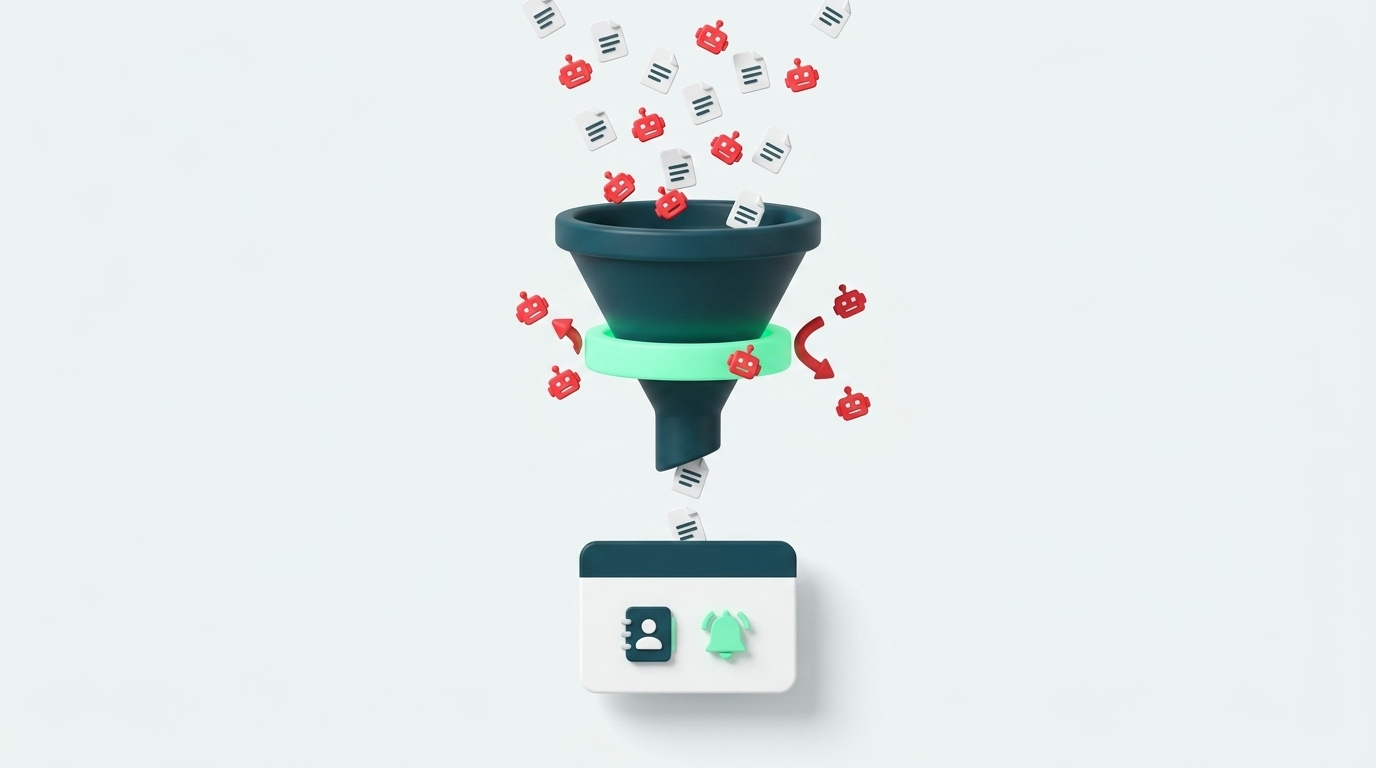
Most small businesses start collecting leads long before they have a real process for handling them. A website form submission lands in an inbox, gets copied into a CRM or spreadsheet later if at all, and by the time a salesperson replies, the lead has often already talked to a competitor. Connecting your website form directly to Zoho CRM removes most of that delay, without replacing any system you already use or hiring a dedicated engineering team to maintain it.
Why Manual Lead Intake Breaks Down as You Grow
When you get two or three leads a week, manually copying details from email into a CRM feels like a minor inconvenience. As volume grows, that same process becomes a real point of failure: there's no consistent way to know who owns which inquiry, leads fall through the cracks whenever someone is out, and automated spam clutters the inbox until it's hard to tell a real inquiry from a bot.
According to the Lead Response Management study conducted by MIT and InsideSales.com (Dr. James Oldroyd, 2007, which analyzed over 100,000 actual call attempts), the odds of successfully connecting with a lead are 100 times higher when the first contact attempt happens within 5 minutes, compared to waiting just 30 minutes. A manual process almost always misses that window by a wide margin.
There's also a quieter problem here: once you have more than one type of inquiry, support questions versus sales opportunities, or inquiries in two different languages, a manual process tends to treat everything as one queue with no separation. The result is a salesperson wasting time on inquiries that should have gone straight to support, and the reverse.
None of this requires a large team or a dedicated ops hire to fix. It requires removing the one manual step, copying a submission from an inbox into a system, that everything else depends on. Once that single step is automated correctly, the rest of your existing sales process, follow-up cadence, pipeline stages, reporting, keeps working exactly as it did before.
The Three Pieces You Actually Need
Connecting a website form directly to a CRM doesn't require building anything complex, and it definitely doesn't require switching to a different CRM. Three pieces, each doing exactly one job, are enough:
- A client-side verification layer that stops bots before they ever reach your server.
- A server-side function that validates the data and forwards it, so your CRM's API credentials never sit exposed in the browser.
- An automation rule inside the CRM itself that fires an alert the moment a new lead is created.
Notice that none of the three require replacing your existing CRM. The connection happens through the standard API that almost any serious CRM already exposes, so the actual work is on the connection layer, not the system underneath it. Once the three pieces are wired together and tested, the CRM's own automation rules handle everything from that point forward, without custom code running anywhere in the loop.
Step 1: Verify the Visitor Before They Ever Touch the CRM
The first move is keeping spam out entirely. Cloudflare Turnstile is a free widget that runs in the background and identifies bots without forcing the visitor to solve annoying CAPTCHA puzzles. A second, simpler layer is a honeypot field, a hidden form field that only a bot would ever fill in, since no real visitor can see it.
One detail that's easy to miss: a honeypot field only helps if the server actually checks it. If the check only lives in the browser's code, a bot that skips straight to the raw API request bypasses it without any effort. The real check has to happen again on the server side, not just inside the form itself. Neither layer needs to be visible to a real visitor, and neither one should ever ask them to prove they're human by clicking on traffic lights.
Step 2: Validate and Process on the Server, Never in the Browser
Once a submission clears that first check, a server-side function (a Netlify Function, for example) receives the data, validates it, and confirms with Cloudflare that the verification token is genuine. This is the critical security step: the CRM's API key lives only on the server side and is never sent to the visitor's browser. Client-side-only processing, by contrast, exposes that key to anyone who opens their browser's developer tools.
"Validates it" means a few specific things in practice: every required field is present and not empty, the email address is in a valid format, and the same submission isn't being sent twice in quick succession, which happens whenever a visitor clicks submit more than once. A server-side function that returns a clear error on failure, instead of just failing silently, saves a lot of debugging time later.
Keeping a short log of every submission rejected at this stage, along with the reason, is worth the extra step. Without it, it's hard to tell the difference between spam being blocked correctly and a real bug quietly rejecting legitimate inquiries before anyone notices. That distinction is easy to overlook, but it's the difference between a system that genuinely works and one that only looks like it works.
Step 3: Push Structured Leads Into Zoho and Trigger Alerts
After verification, the function sends a structured API request directly to Zoho CRM, creating a lead with the relevant fields already mapped: name, contact details, inquiry topic, and language. From there, a standard automation rule inside Zoho, not custom code, just a normal interface setting, sends an email or WhatsApp alert to the right salesperson.
This is also where the routing problem mentioned earlier gets solved. If the function passes both the inquiry topic and its language as separate fields in the CRM, you can build several automation rules, one for each topic-and-language combination, each one alerting only the relevant contact. No separate notification system is needed for either the alert or the routing; the CRM already knows how to do both.
It's worth deciding upfront what the alert itself should contain. An alert that just says "new lead created" forces the salesperson to open the CRM before they know whether it's worth an immediate reply. An alert that includes the visitor's name, their stated topic, and the language of the inquiry lets someone triage from their phone in seconds, right inside that same few-minute window the research above shows is critical.
What This Actually Looks Like in Practice
I built exactly this setup for my own site's contact form. Turnstile runs in invisible mode (it shows the visitor nothing unless there's a genuine reason for suspicion), the function verifies and forwards to Zoho, and a workflow rule there fires an instant alert based on the inquiry's language.
The real test of a system like this isn't how much time it saves, it's the opposite: during one integration pass, I hit a field name mismatch between the form and what the function expected, which caused real submissions to fail silently, with no error message anyone would have noticed. That's exactly the kind of bug that's easy to miss in a system that looks fine on paper: the code deploys without errors, there's no build failure, and everything looks ready, but no submission actually reaches the CRM. That's why sending a real test submission end to end, not just confirming the code deployed, is not an optional step after any change to the form or the function.
Once it's running, the maintenance load is genuinely small. The CRM's automation rules don't need touching unless the routing logic itself changes, and the server-side function only needs revisiting when the form's fields change. The bulk of the ongoing work isn't technical at all, it's making sure whoever receives the alerts actually treats a five-minute response window as a real target, not just a nice idea.
Key Takeaways
None of this needs to be built all at once, and none of it needs to be perfect on the first attempt. The four points below are the ones worth getting right before anything else:
- Three layers are enough: client-side verification, validated server-side processing, and an alert rule inside the CRM itself. Nothing more elaborate is required.
- API keys should never be exposed in the browser, only in code that runs server-side. This one is non-negotiable, not a nice-to-have.
- Response speed is more critical than it looks at first glance: per the Lead Response Management study, the first few minutes are the difference between a lead that gets captured and one that's lost to a competitor who replied faster.
- After any change to the form or the function, send a real test submission and confirm it lands end to end, not just that the code deployed without errors. A clean build is not the same thing as a working pipeline.
If you're building something similar and want to check whether your current setup is ready for it, you can read more about automation for small businesses or see what a CRM implementation for a small business looks like.
Frequently Asked Questions
Does automated lead intake require changing our existing CRM software?
No. Integration connects via standard APIs directly into Zoho CRM or your current CRM platform, mapping into your existing data fields without software changes.
How does the setup filter out spam and bot submissions?
The architecture uses a hidden client-side honeypot paired with server-side Cloudflare Turnstile token verification to ensure only genuine human inquiries reach your team.